Learner Self-Serve Reset Instructions
If the learner has an email associated with their online training account, they can request a password reset themselves.
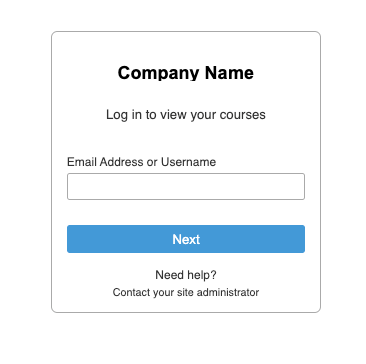
Once they have logged into their accounts url, they will see the login screen.
After clicking next, they will see the password screen.
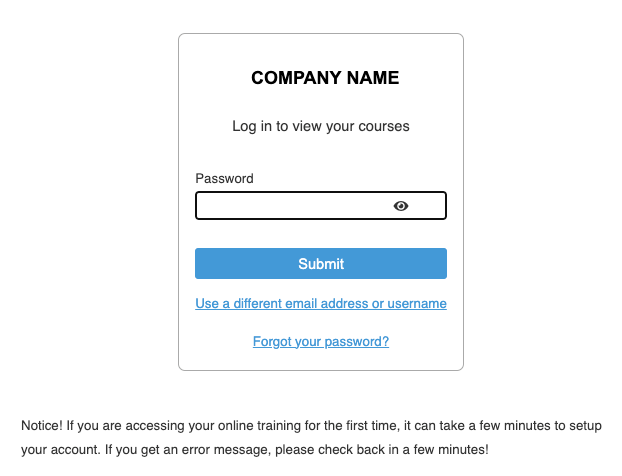
The learner can click on the Forgot your password link and they will be prompted to enter their email:
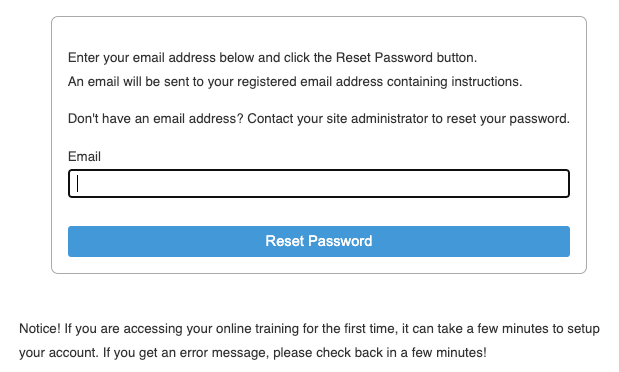
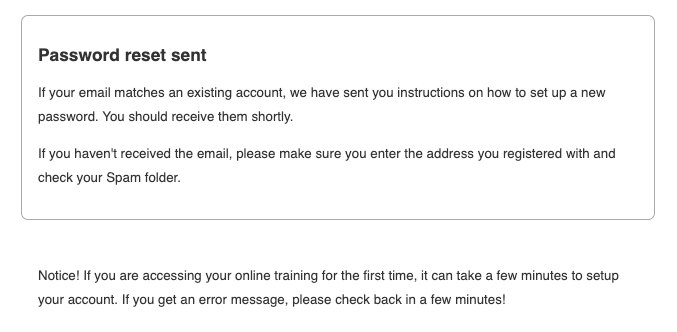
Once their email is submitted, they will receive a confirmation page
Was this article helpful?
That’s Great!
Thank you for your feedback
Sorry! We couldn't be helpful
Thank you for your feedback
Feedback sent
We appreciate your effort and will try to fix the article