Learners log in different from an admin since they don't have access to the BHHC Safety Center portal.
If a learner has an email address associated with their account, they should have received a welcome email if notifications were enabled on the account.
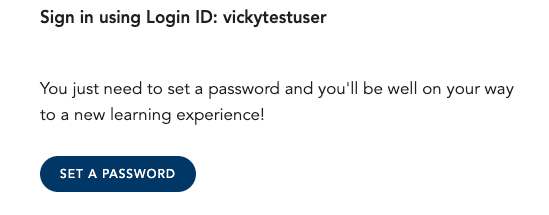
Clicking on the set a password link in the email will take them directly into their learning account.
If the learner doesn't have an email, their admin will supply them with the url to use.

Once the learner accesses this url, they will see a login page:
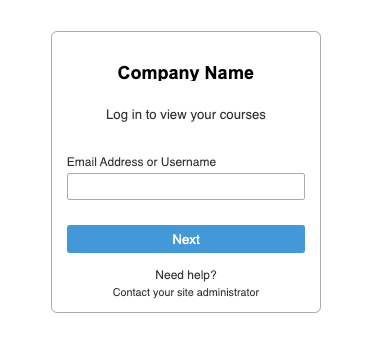
Once they enter their email or unique id, they will be able to enter their password.
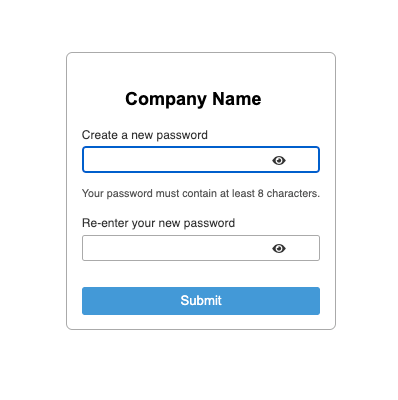
First time users will be given the chance to set their password.
Was this article helpful?
That’s Great!
Thank you for your feedback
Sorry! We couldn't be helpful
Thank you for your feedback
Feedback sent
We appreciate your effort and will try to fix the article