At the end of every course you take, you'll be presented with a certificate. You can save or print the certificate at that time, but if you don't and find that you need it later, you can always retrieve it at any time.
First you'll need to be logged in. If you don't know the URL that you need to go to, please contact your supervisor or administrator.
Once you're logged in, you'll be brought straight to the My Learning section. Scroll down to find the Completed section- it should look something like this:
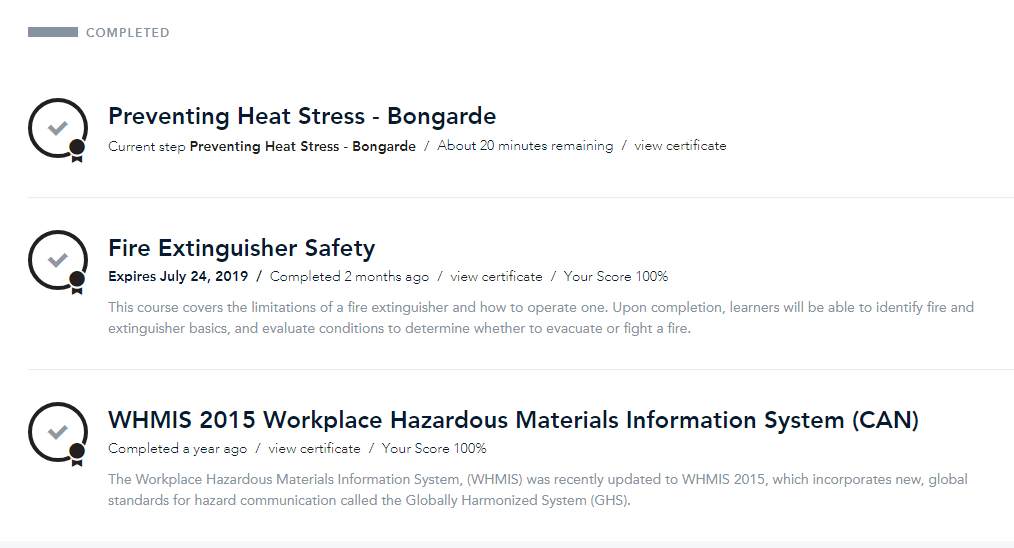
As you can see, each of these completed courses has a 'view certificate' link underneath the title. Click that to view your certificate, at which point you can save or print it. And you're done!
Was this article helpful?
That’s Great!
Thank you for your feedback
Sorry! We couldn't be helpful
Thank you for your feedback
Feedback sent
We appreciate your effort and will try to fix the article